Build & Deploy Revit Toolbar
Using pyRevit + Claude Code.For Beginner / Intermediate
Learn pyRevit + Claude Code to automate Revit.
Set up everything, try vibe-coding, understand code basics and use AI-Driven development to deploy robust tools across your office.
You asked AI to build a Revit tool, and it actually worked.
First win. Real time saved. For a moment it felt like coding was obsolete.
BUT THEN...The script starts behaving differently and you don't know why.
A colleague asks how it works and you can't answer.
Something breaks, and you can only ask AI to fix it.
And it all runs on real projects. With real consequences.
That's the moment you realize you don't want a tool that kind of works. You want robust tools you deploy across the office. You want full control and understanding. You want to be in charge of the automations, not in charge of a chat window that anyone can open.
That's why you're reading this page. Not because you want another course, but because you want to build better Revit tools, design advanced AI workflows, understand the code behind them, and deploy your tools across the office.
That's the goal of AI-Lab.
The AI-Lab Curriculum in three phases.
The program is a building: you pour foundations, raise the toolbar, then put the brain on the roof.
Three levels, 30 days a level. Each room is one thing you build and keep.
WHATpyRevit, VS Code, Claude Code installed.
WHYEvery later room runs on it.
WHATRules, RVTDocs MCP, skills.
WHYAI stops guessing the Revit API.
WHATYour first tools by prompting.
WHYYou feel what AI can already do.
WHATA fixed debugging routine.
WHYA bug costs minutes, not days.
WHATInstall and update for the office.
WHYEveryone runs the same version.
WHATA wiki per tool.
WHYTools nobody knows get no use.
WHATPython basics on real Revit code.
WHYYou can check what AI wrote.
WHATCollect, filter, change elements.
WHYEvery real tool does this.
WHATWPF forms.
WHYColleagues click instead of asking you.
- LRA Academy 2.0 (3 Courses)
- The RVTDocs MCP Server
- The LRA-Community
- 2x weekly live calls
- Deep Dives: LLM Wiki AI-Brain / Git for BIM
- Lifetime access
- New AI-Lab lessons (new every week)
- EF-Apps for pyRevit Developers
- New deep dives (when they are ready)
Lifetime today. Later, AI-Lab may become a subscription.
Be a Part of LRA-Community
The place where members show what they build, post their code and errors, and get help from Erik and each other, with live calls every week.
- Meet and talk to like-minded experts
- Post your code, tools, errors and screenshots to get help
- Live calls every Tuesday, 09:00 and 20:00 CEST
 Erik
Erik GIF
GIFEF-Apps for pyRevit Development
Get access to my custom built web-apps for pyRevit developers. Exclusive access only for AI-Lab members.
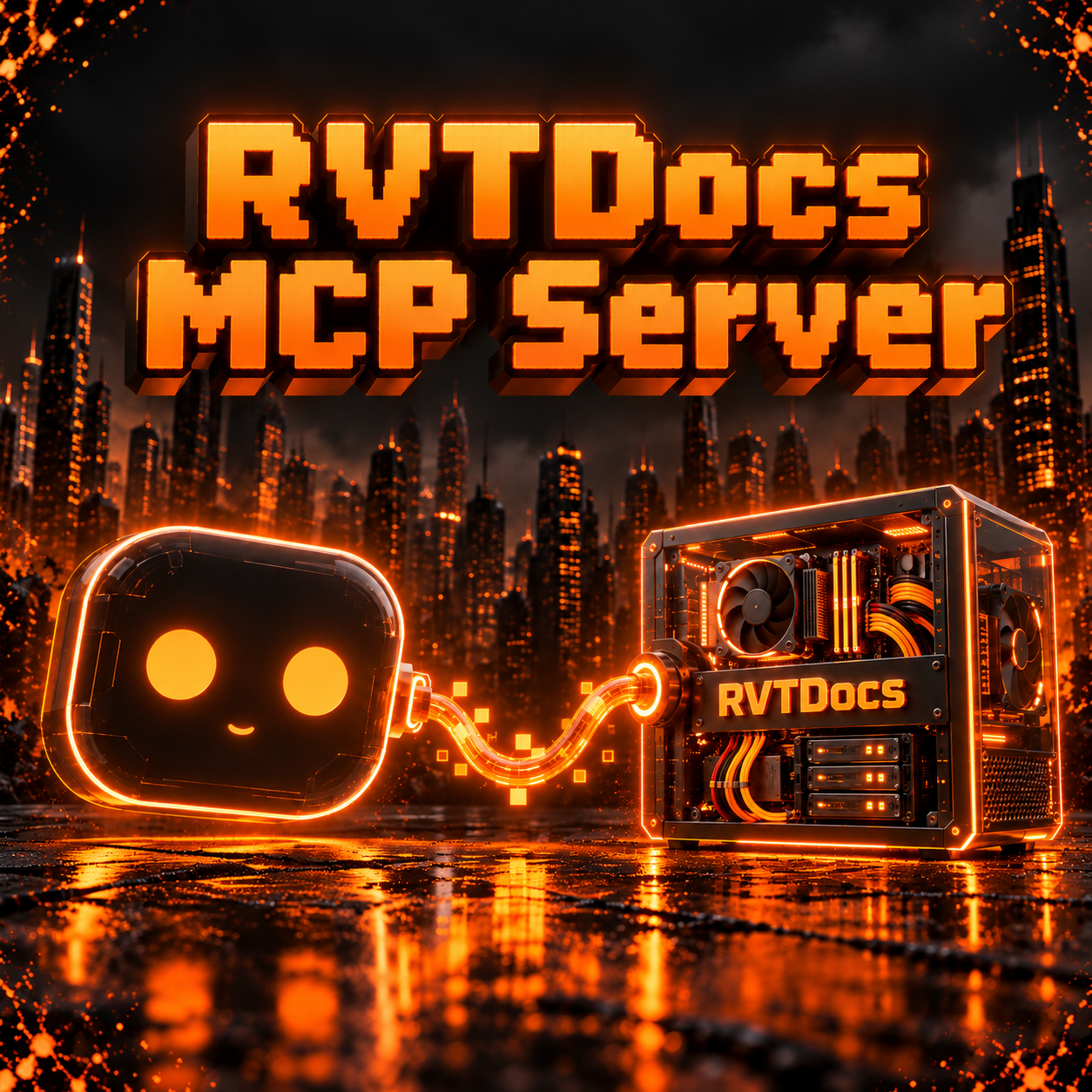 MCPRVTDocs MCP Server
Connect your AI Agent to real Revit API Docs with extra tools for code analysis and debugging to avoid hallucinations and increase the output quality for pyRevit + Revit API code.
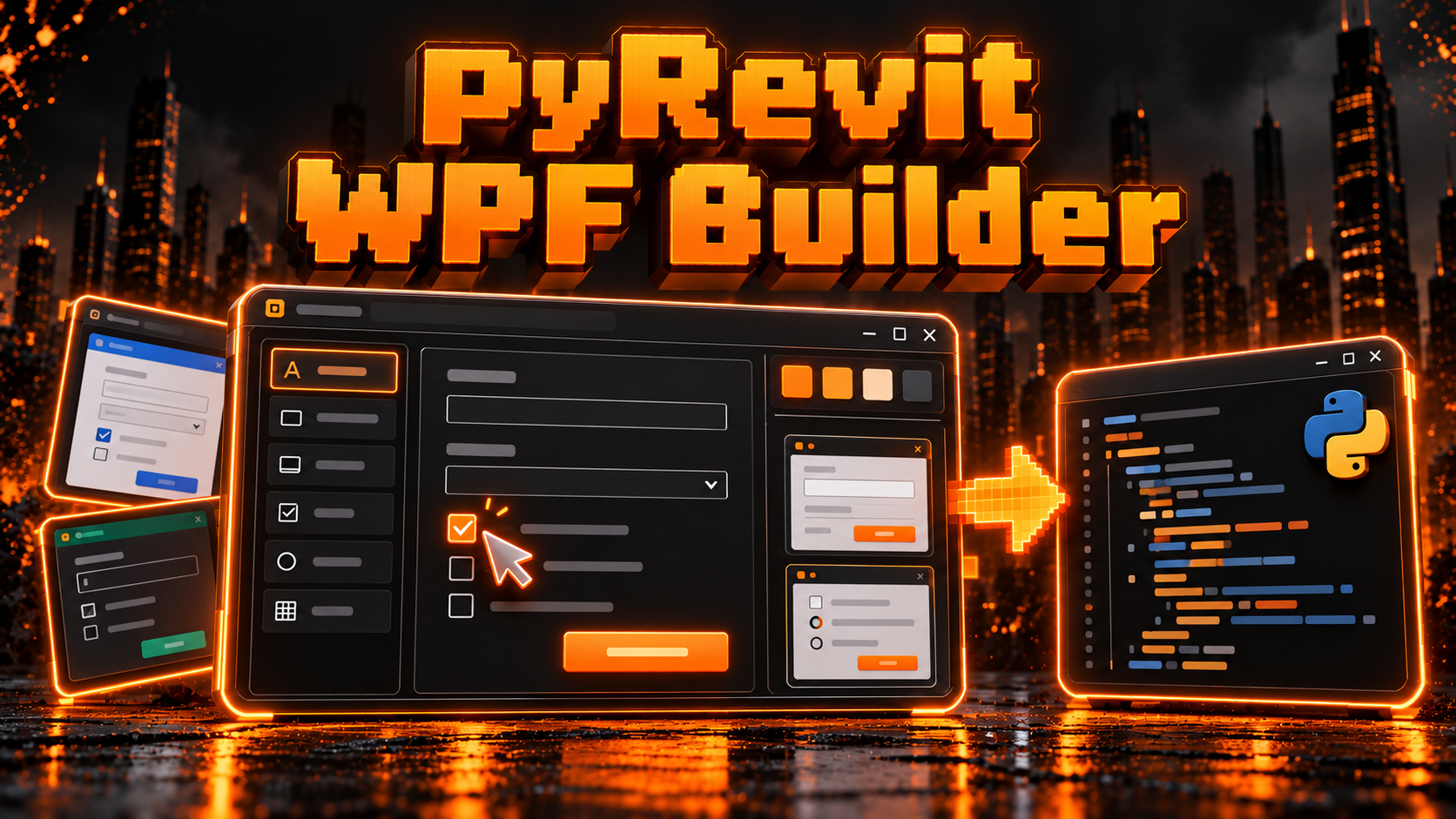 WPFBETApyRevit WPF Builder
Online WPF Form builder for pyRevit that auto-generates Python code, supports brandkit and provides examples gallery.
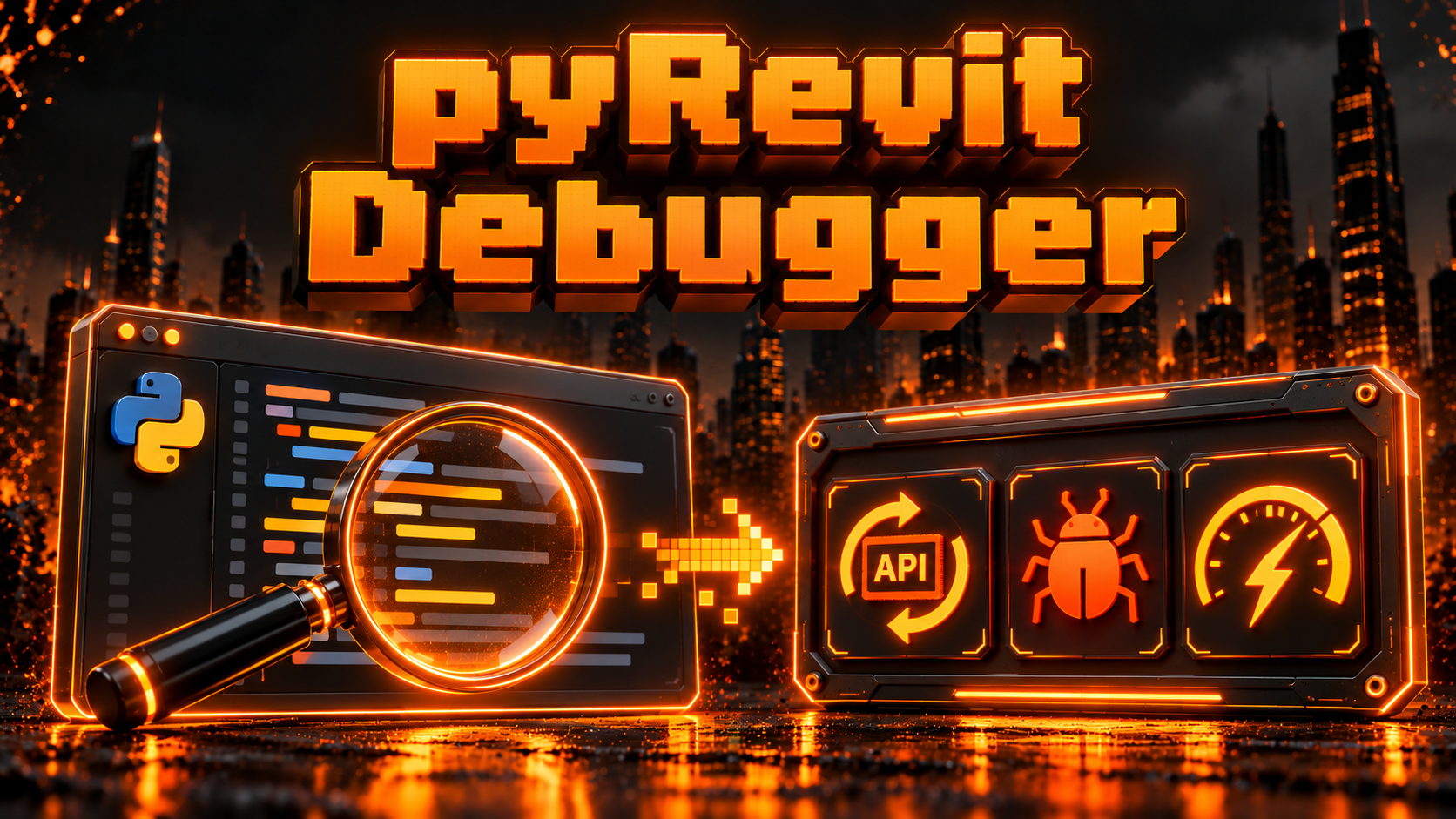 DEBUGWIPpyRevit Debugger
Paste your code to analyze for API changes, bugs, and performance optimizations.
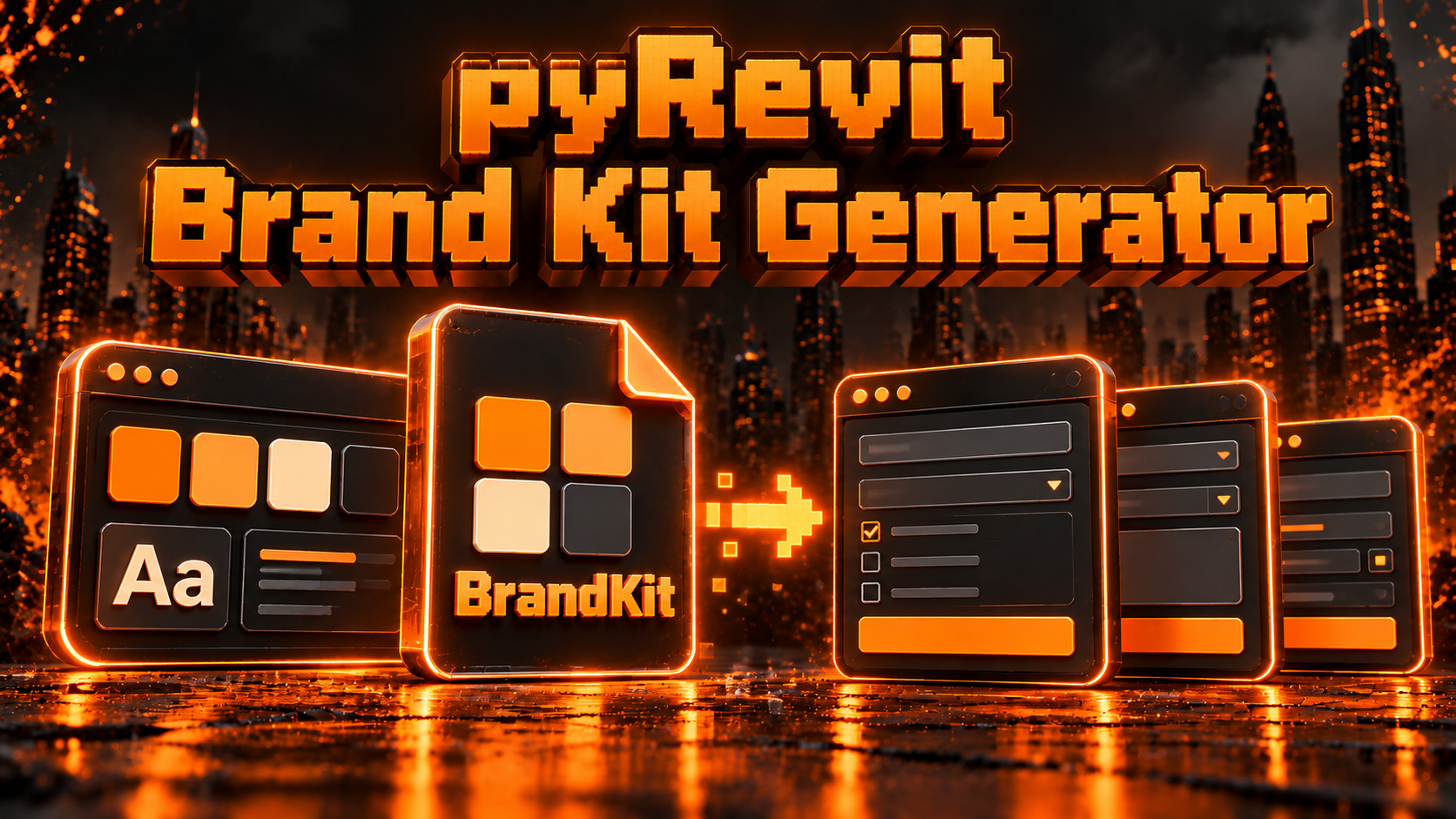 BRANDWIPpyRevit Brand Kit Generator
Generate BrandKit file for all your pyRevit WPF Forms to create standard UI look.
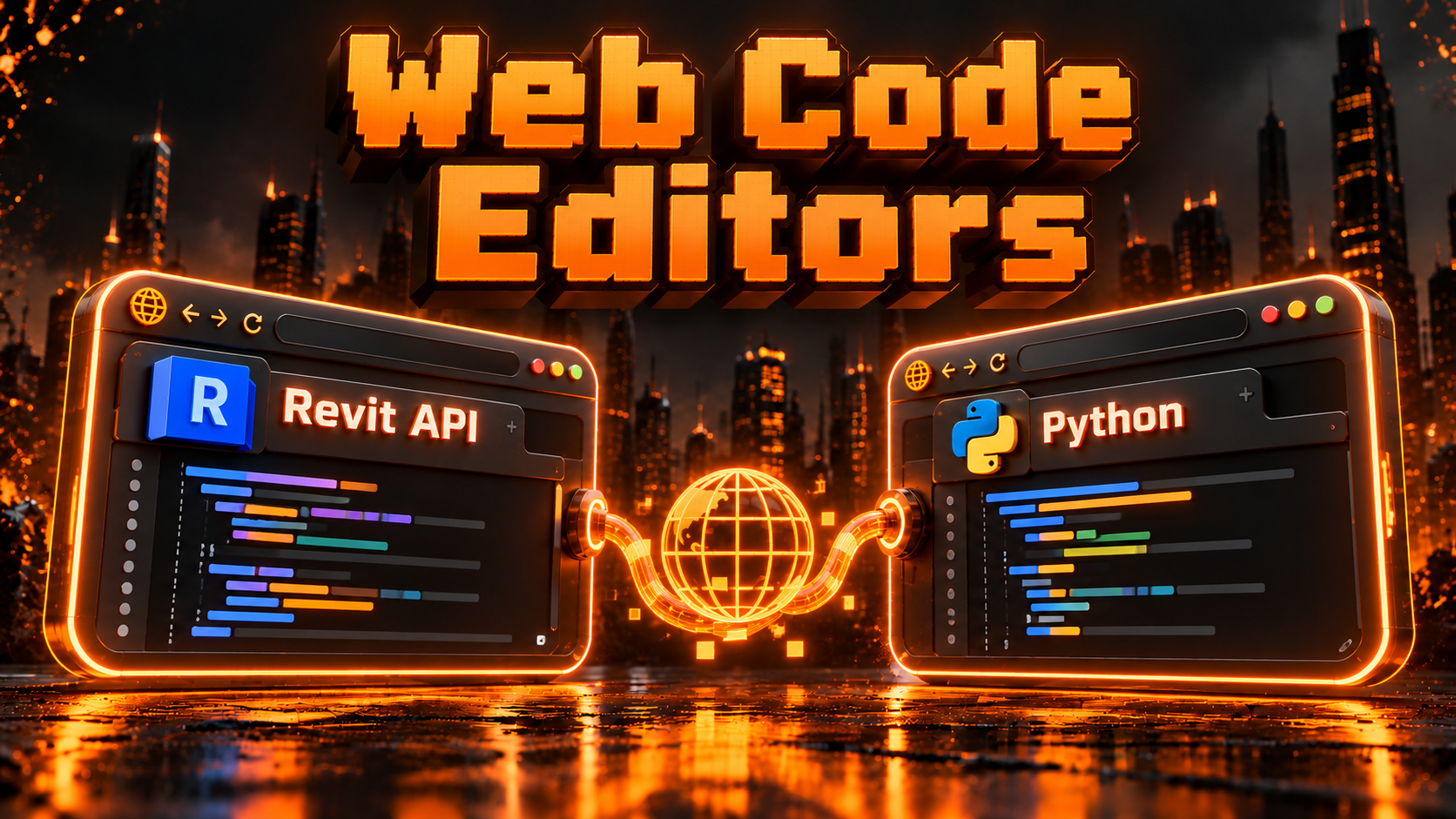 WEBWIPWeb Code Editors
Revit API and Python code editors in the browser for learning and using when real code editor is unavailable.
Deep Dives, beyond the program.
There are a few extra trainings you'll get as a bonus about AI Topics.
Learn how to build an LLM-Wiki AI brain for you and your AI agents that grows smarter about pyRevit, Revit API and WPF.
- EF AI-Brain Template (ready to use)
- Resources and References that I use in my AI-Brain
- The workflow to grow and keep it healthy
Learn Git, one of the most important skills for working with AI. It gives you backups, version control, parallel work and collaboration, deployment and a lot more.
- Git - Intro
- Git - Get Started
- Git - Real Workflows
I have a few more topics I'd like to share with you in the future when training is complete.
LRA Academy 2.0
As AI-Lab member you'll get LRA-Academy as a free bonus. This training used to sell for €997 and helped 780+ students to start Automating Revit by learning Python, RevitAPI and WPF in depth..
Set up and get started with the basics of pyRevit and Revit API.
- pyRevit Basics
- Python Basics
- Revit API Basics
- Final Project
Dive deeper into the Revit API with hands-on approach to learn more advanced use cases.
- Get Started
- How to Read Docs
- Revit API Selection
- Look Inside Elements
- Project Parameters
- How to make changes
- Master Getting Elements
- UI Forms: Inputs & Outputs
- Automate View & Sheets
Learn how to use the WPF framework for creating good-looking pyRevit UI forms with full control.
- WPF Introduction
- Create WPF Forms
- Reusable WPF Forms
- WPF Styling
- Leverage AI for WPF

I didn't plan to become a
pyRevit Expert...
I started before AI era. I was just a regular Revit User who didn't know code but like most people I got tired of Revit's limitations and repetitive work...At first it was hard. But slowly I started making my own custom tools. Once I started sharing them - I became the go-to automation expert in the office. Later i shared my tools online and started teaching how to do it and became the go-to pyRevit educator worldwide.In the past seven years, I've helped thousands to get started with pyRevit and Revit Automation. I made 250+ tools, recorded 400+ tutorials and provided multiple resources used by 10,000+ people.In short, I'm not a dev who learnt Revit. I'm a Revit User who learnt how to code and build custom tools and changed my career the most. And now I teach it to others to achieve the same
It has changed my whole career. And you can do the same.
Everything you get when you join.
AI-Lab is still a work in progress.
But once you join you'll get instant access to multiple bonuses and all existing lessons listed below:
301Python for Revit Core
302Core pyRevit / Revit-API
303WPF for Modern UI Forms
201Debugging Protocol
202Office Rollout Plan
203Adoption Wiki
101Setup AI-Sidekick
102Build pyRevit AI Engine
103Feel the Vibes
- Ask
- Share
- Get help
- Tue 9:00CEST
- Tue 20:00CEST
- LRA Basics
- LRA Advanced
- LRA Modern UI
- RVTDocs MCP Server
- pyRevit Builder BETA
- pyRevit Debugger WIP
- BrandKit Generator WIP
- Web Revit API Coder WIP
AI setups READY TO COPY, FOR QUICKER RESULTS
Learn how to build an LLM-Wiki AI brain for you and your AI agents that grows smarter about pyRevit, Revit API and WPF.
Learn Git, one of the most important skills for working with AI. It gives you backups, version control, parallel work and collaboration, deployment and a lot more.
More deep dives coming soon
Once you are in, you keep the courses, the recordings and every update.
Is this for you?
- Tired of Revit limitations and repetitive work
- Want to learn AI for pyRevit properly
- Ready to learn code fundamentals
- Want to build robust tools for your office at scale
- Go beyond "Vibe-Coding"
- Want C# add-ins instead of pyRevit
- Want Complete Training today
- Expect AI to do all the thinking
- Can't spend a few hours a week learning new skill
Get on the AI-Lab waitlist
The training is currently in progress and
opens to small group of people with best price and terms.
Questions I get every time.
No. We'll set up your pyRevit AI Engine that allows you to create advanced Revit tools with AI Agents. Later we'll learn the basics of code so you can stay more in control over AI.
pyRevit + AI is perfect for busy AEC experts to create any tool in Revit really fast without overthinking development or deployment process. Plus, Python is the most preferred language for AI.
People who join early will keep Lifetime access to AI-Lab, LRA Academy, Community and my custom EF-Apps. Later it will become a subscription for new members.
It's still work in progress with weekly updates of new lessons, templates and tools.
Meanwhile you'll have LRA Academy 2.0 training for free (used to cost 997€).
Live calls on Tuesdays at 09:00 and 20:00 CEST.
Usually it's the same topic for both calls but they're always different because it's interactive.
Any. I record on Revit 2025 and 2027, but any recent version works fine.
I use Claude Code and it's best you get it too. If you use other agents it's still possible to follow along, you'll just need to convert a few things inside my AI templates.
P.S. It's possible to connect any model (incl. free ones) to Claude Code but it won't be as smart.
1 x 799 EUR or 3 x 289 EUR. Business invoice available.
You get a 30-day money-back guarantee.
If it doesn't exceed your expectations just let me know and I'll handle it.
Ready To Master Claude Code for Revit?
Join the waitlist today
Don't miss out on the best Lifetime deal.