Turn Claude Into a pyRevit AI-Engine To Build and Deploy Revit Automations
Set up everything using my templates, try vibe-coding, understand code basics and use AI-Driven development to deploy robust tools across your office.
For Beginner / Intermediate
Join Waitlist
The training is currently in progress and
opens to small group of people with best price and terms.
AI Prompting used to be a skill.
Now everyone can do it...
Today anyone can type an idea and brute force AI to make a working tool.
But it won't be as consistent and not always reliable.
When everyone has the same AI subscription, getting ahead is not about the smartest model. It's about what happens before and after the prompt.# This is the line between good results and AI slop.
So What Happens Before & After?
- 1Understanding
How AI works and how software gets built, so you drive it, not follow it.
- 2AI System
Use proven templates to setup context, rules, real docs, tools, brandkit, ai-brain...
- 3AI Workflows
Pick the right workflow for AI to follow for better outcomes.
- 1Read & Debug
Read output, test and understand why things break and make debugging protocol for AI
- 2Deploy
Create deployment workflow to share tools on every machine without breaking
- 3Improve
Iterate and improve on your workflow so it gets better every week
And today it's simpler than ever to start even without programming knowledge.
Person who understands it becomes an AI-BIM Developer in charge of automations
Everyone else is in charge of a chat window...
Even the smartest AI can fail you
Instead of verifying against real docs it guesses from its memory.
Without debugging protocol it doesn't grow and get better over time.
My first rules fought against me for months without me knowing it...
That's why you're still reading this page...
Not because you want another course, but because you want to build better Revit tools, design advanced AI workflows, understand the code behind them, become an AI developer in charge of automations across your office. That's how you stay ahead of the curve.
And AI-Lab will guide you step by step through everything
The AI-Lab in three phases.
Learn the basics and setup everything step-by-step with provided templates and explanations.
NB! The training is in progress and updated every week with new lessons.
Hover over any room above for more info
WHATpyRevit, VS Code, Claude Code installed.
WHYEvery later room runs on it.
WHATYour first tools by prompting.
WHYYou feel what AI can already do.
WHATRules, RVTDocs MCP, skills.
WHYAI stops guessing the Revit API.
WHATPlan, build and review with AI.
WHYReal tools, not one-off scripts.
WHATA fixed debugging routine.
WHYA bug costs minutes, not days.
WHATOffice rollout and a wiki per tool.
WHYOne version, and people know it exists.
WHATPython basics on real Revit code.
WHYYou can check what AI wrote.
WHATCollect, filter, change elements.
WHYEvery real tool does this.
WHATWPF forms.
WHYColleagues click instead of asking you.
What each phase does for you.
Understand how AI works and how to control it. Stop hallucinations by setting up rules, tools and styling for your pyRevit tools so it becomes a reliable proces that keeps imporving.
Learn how to debug your tools and deploy across the whole office so it works for everyone and you can keep track of it.
Look behind the scenes to better understand how everything works so you can control it better and know how to explain it to others.
Everything you get with AI-Lab
Templates and AI setups, ready to copy.
For quicker results: start from a base that already works.
- Plus you get:
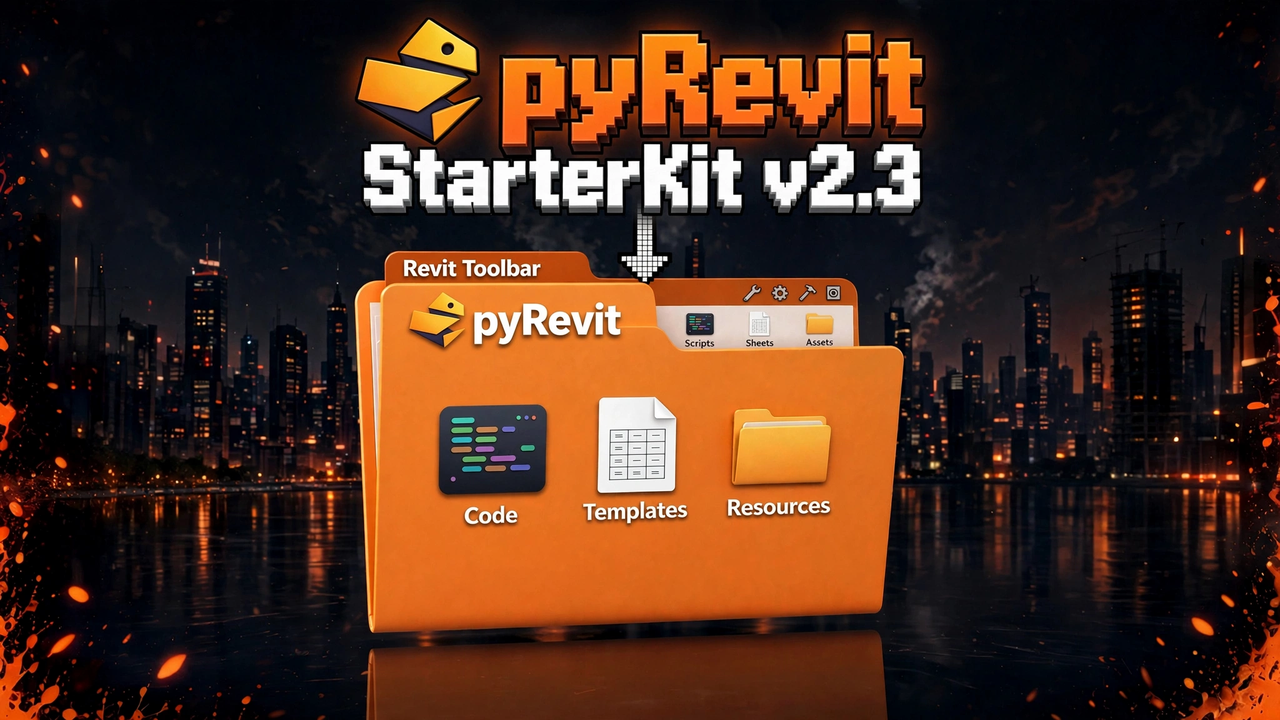 pyRevit StarterKit
Everything to get started in one folder: templates, code samples, docs and a button generator.
 LLM-Wiki AI Brain
The ready AI Brain for your LLM-Wiki: unzip, open and start.
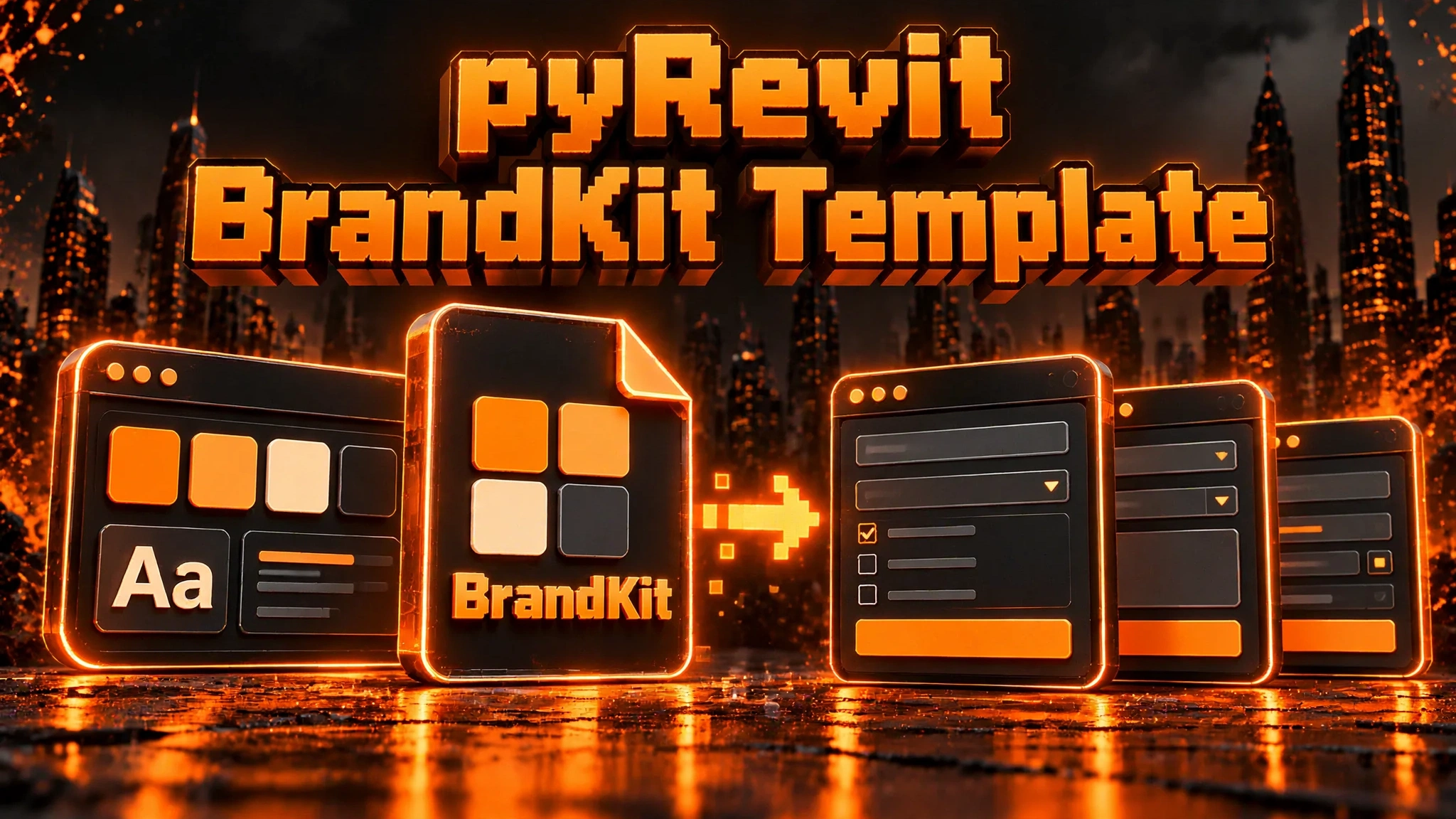 pyRevit BrandKit Template
Create your BrandKit using my WPF template for pyRevit.
-
pyRevit AI Engine
Configure Claude Code for pyRevit using my templates, instructions, MCPs, BrandKit and more to get the best results for AI generated pyRevit Tools
- More coming
More templates coming as I build them.
Deep Dives, beyond the program.
There are a few extra trainings you'll get as a bonus about AI Topics.
Learn how to build an LLM-Wiki AI brain for you and your AI agents that grows smarter about pyRevit, Revit API and WPF.
- EF AI-Brain Template (ready to use)
- Resources and References that I use in my AI-Brain
- The workflow to grow and keep it healthy
Learn Git, one of the most important skills for working with AI. It gives you backups, version control, parallel work and collaboration, deployment and a lot more.
- Git - Theory
- Git - Practice
I have a few more topics I'd like to share with you in the future when training is complete.
EF-Apps for pyRevit Development
Get access to my custom built web-apps for pyRevit developers. Exclusive access only for AI-Lab members.
 MCPRVTDocs MCP Server
Connect your AI Agent to real Revit API Docs.
Reference real classes to reduce hallucinations and use code analysis tools for better code quality output for pyRevit and Revit API code.
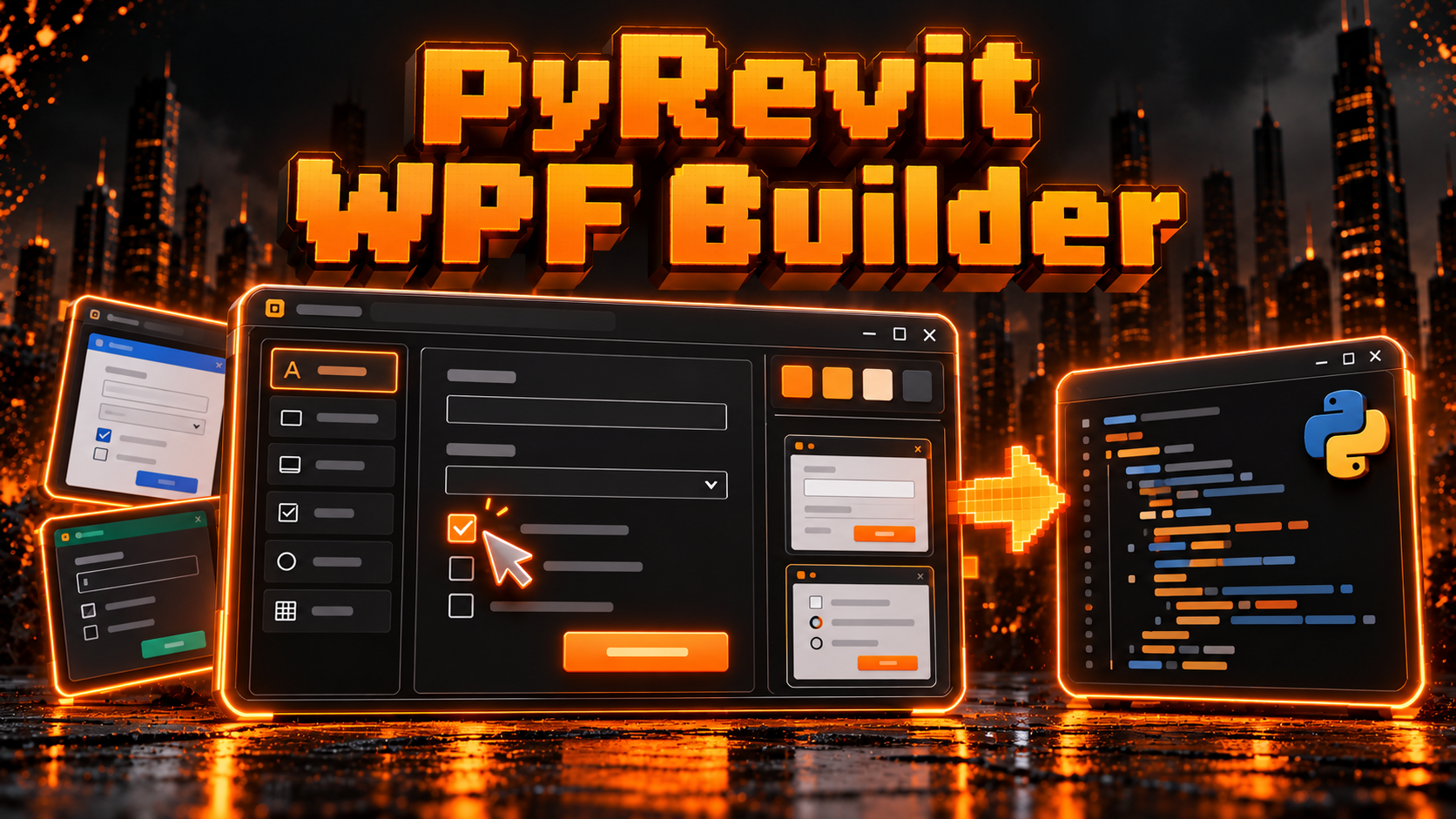 WPFBETApyRevit WPF Builder
Online WPF Form builder for pyRevit that auto-generates Python code, supports brandkit and provides examples gallery.
Made for the Git for BIM Devs deep dive: see any git repository as a visual graph.
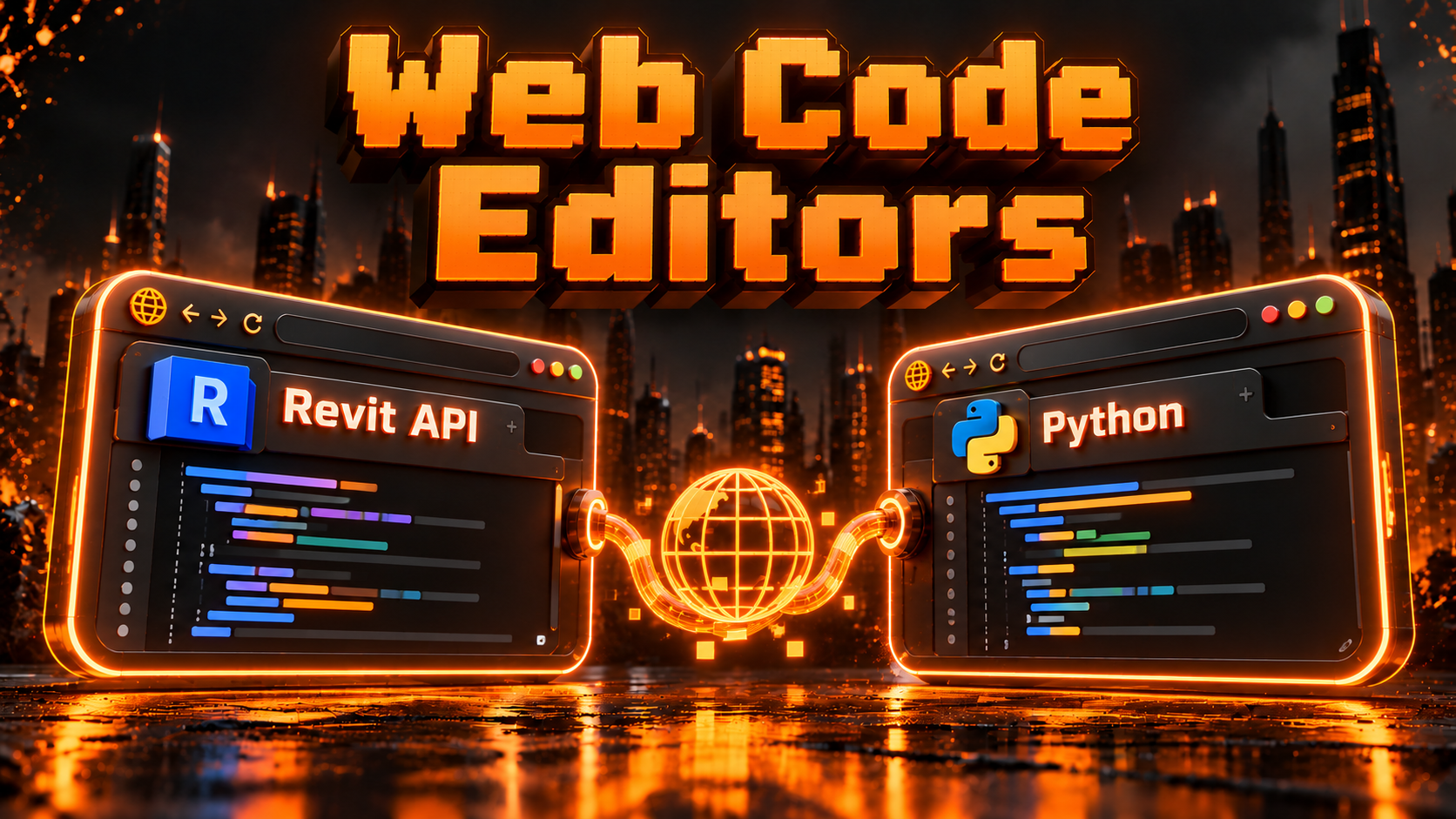 WEBWIPWeb Code Editors
Revit API and Python code editors in the browser for learning and using when real code editor is unavailable.
More apps coming as I build them.
Be a Part of LRA-Community
The place where members show what they build, post their code and errors, and get help from Erik and each other, with live calls every week.
- Meet and talk to like-minded experts
- Post your code, tools, errors and screenshots to get help
- Live calls every Friday, 9AM and 9PM CET
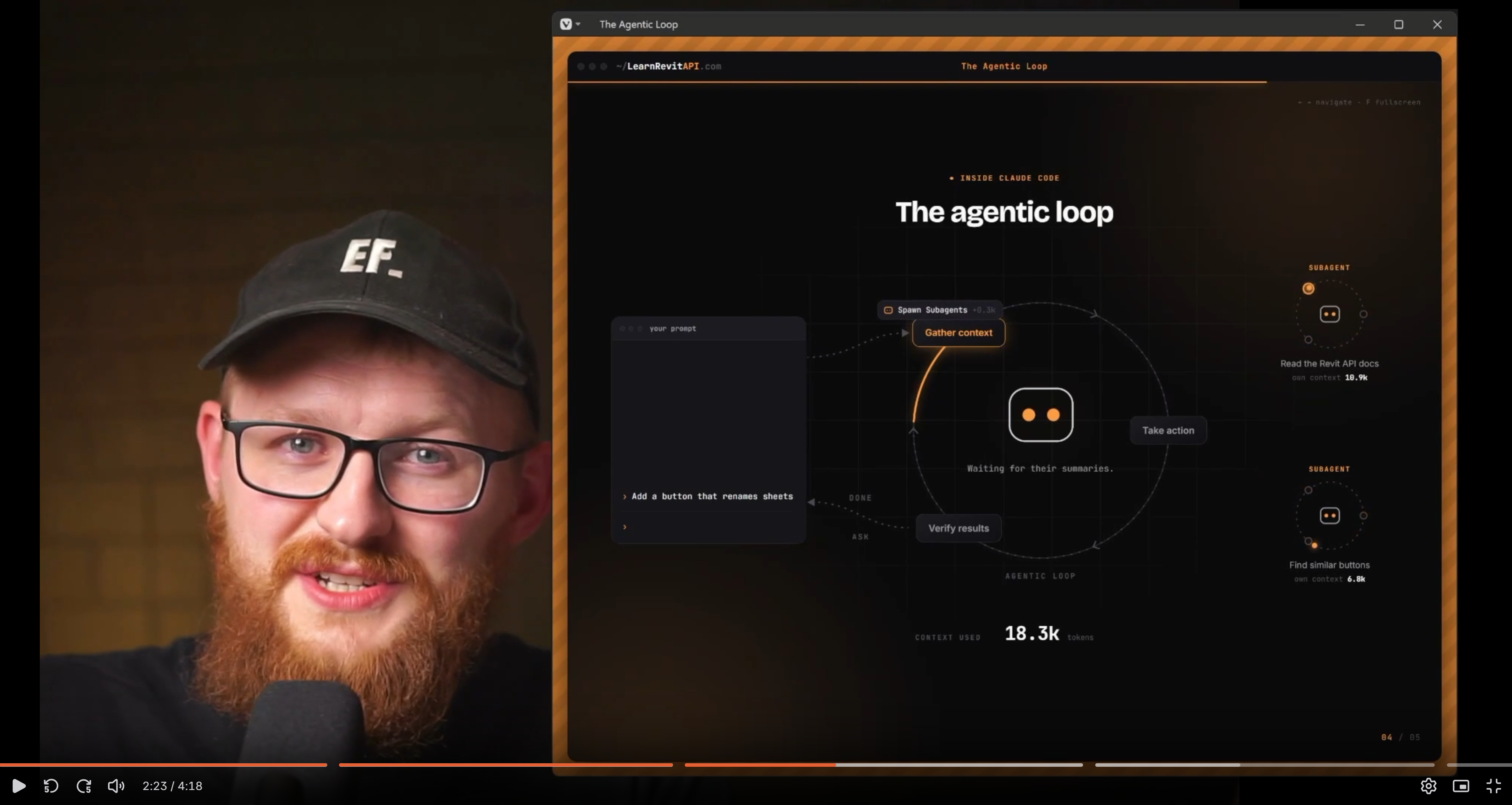 Erik
 GIF
LRA Academy 2.0
As AI-Lab member you'll get LRA-Academy as a free bonus. This training used to sell for €997 and helped 780+ students to start Automating Revit by learning Python, RevitAPI and WPF in depth..
Set up and get started with the basics of pyRevit and Revit API.
- pyRevit Basics
- Python Basics
- Revit API Basics
- Final Project
Dive deeper into the Revit API with hands-on approach to learn more advanced use cases.
- Get Started
- How to Read Docs
- Revit API Selection
- Look Inside Elements
- Project Parameters
- How to make changes
- Master Getting Elements
- UI Forms: Inputs & Outputs
- Automate View & Sheets
Learn how to use the WPF framework for creating good-looking pyRevit UI forms with full control.
- WPF Introduction
- Create WPF Forms
- Reusable WPF Forms
- WPF Styling
- Leverage AI for WPF

I didn't plan to become a
pyRevit Expert...
I started before AI era. I was just a regular Revit User who didn't know code but like most people I got tired of Revit's limitations and repetitive work...At first it was hard. But slowly I started making my own custom tools. Once I started sharing them - I became the go-to automation expert in the office. Later i shared my tools online and started teaching how to do it and became the go-to pyRevit educator worldwide.In the past seven years, I've helped thousands to get started with pyRevit and Revit Automation. I made 250+ tools, recorded 400+ tutorials and provided multiple resources used by 10,000+ people.In short, I'm not a dev who learnt Revit. I'm a Revit User who learnt how to code and build custom tools and changed my career the most. And now I teach it to others to achieve the same
It has changed my whole career. And you can do the same.
Is this for you?
- Tired of Revit limitations and repetitive work
- Want to learn AI for pyRevit properly
- Ready to learn code fundamentals
- Want to build robust tools for your office at scale
- Go beyond "Vibe-Coding"
- Want C# add-ins instead of pyRevit
- Want Complete Training today
- Expect AI to do all the thinking
- Can't spend a few hours a week learning new skill
Join Waitlist
The training is currently in progress and
opens to small group of people with best price and terms.
Questions I get every time.
No. We'll set up your pyRevit AI Engine that allows you to create advanced Revit tools with AI Agents. Later we'll learn the basics of code so you can stay more in control over AI.
pyRevit + AI is perfect for busy AEC experts to create any tool in Revit really fast without overthinking development or deployment process. Plus, Python is the most preferred language for AI.
People who join early will keep Lifetime access to AI-Lab, LRA Academy, Community and my custom EF-Apps. Later it will become a subscription for new members.
It's still work in progress with weekly updates of new lessons, templates and tools.
Meanwhile you'll have LRA Academy 2.0 training for free (used to cost 997€).
Live calls on Fridays at 9AM and 9PM CET.
Usually it's the same topic for both calls but they're always different because it's interactive.
Any. I record on Revit 2025 and 2027, but any recent version works fine.
I use Claude Code and it's best you get it too. If you use other agents it's still possible to follow along, you'll just need to convert a few things inside my AI templates.
P.S. It's possible to connect any model (incl. free ones) to Claude Code but it won't be as smart.
1 x 799 EUR or 3 x 289 EUR. Business invoice available.
AI can automate and save the most amount of time and make your work more streamlined. And if you don't have time to learn the most time-saving skill ever existed, then nothing else will help you get more time. Maybe you need to rethink your priorities.
You get a 30-day money-back guarantee.
If it doesn't exceed your expectations just let me know and I'll handle it.
- LRA AI-Lab to become AI BIM Dev
- RVTDocs MCP for AI Agents
- LRA Academy 2.0 (3 Courses)
- The LRA-Community
- 2x weekly live calls
- Deep Dives: LLM Wiki AI-Brain / Git for BIM
- Lifetime access
- New AI-Lab lessons (new every week)
- EF-Apps for pyRevit Developers
- New deep dives (when they are ready)
- More EF-Templates
Lifetime today. Later, AI-Lab may become a subscription.